Align the nursing roster with tasks
Before you assign people, describe the services needed. What tasks need to be done in the morning, what handovers need to overlap and what qualifications are needed in each area? Create appropriate work shift templates and areas. They give your care planning a comprehensible structure without ruling out individual deviations.
Don’t plan based solely on the number of people available. Experience, distribution of tasks and the required professional staffing are part of the decision. Stored qualifications can be taken into account in planning proposals. However, the software neither replaces your professional assessment nor the examination of binding specifications. A sensible care roster makes these decisions visible and remains controllable for those responsible.
Depict nursing home, nursing service and care
In the nursing home, living areas and continuous services may be the focus. A nursing service organizes different operating times and responsibilities. In a residential group, care, support and handovers can be a particular focus. With freely named areas, locations and individual times, your planning structure can be adapted to such differences.
A roster for geriatric care and a roster for youth welfare therefore need their own examples and clear designations. The application organizes work shifts and team availability; it is not a care documentation or a tour optimizer. Patient data or detailed care information does not belong in general shift notes. Only record the information that is actually required for the respective application.
For a manageable introduction, you can choose a living area and go through the next handover together. Can the responsible people be clearly identified? Are times for scheduled meetings visible? Do representatives know who to contact if they have questions? Questions like these show whether your designations in the roster are actually understandable. Collect answers with team leadership and adapt unclear templates. A well-maintained legend makes it easier for new employees to get started without having to understand every abbreviation from the context. Check the comprehensibility even for short-term replacements.
Take vacation and absences into account early on
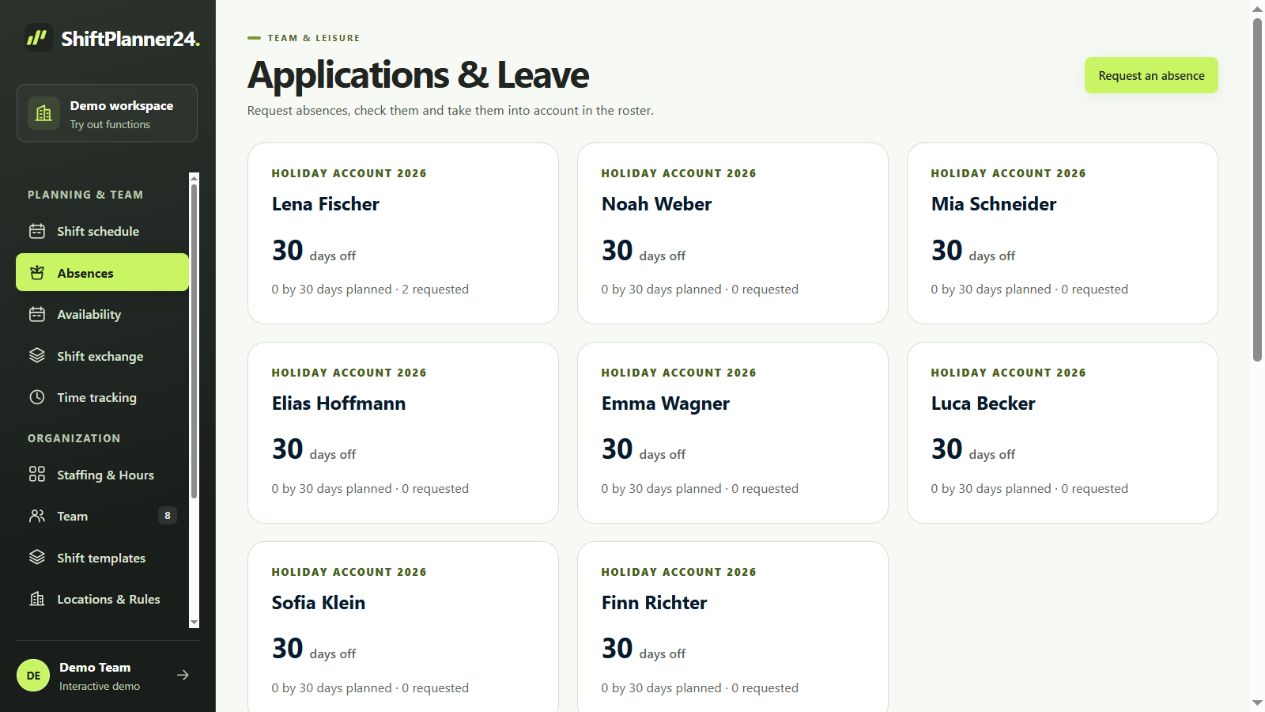
Vacation, sickness and compensatory time off affect the available staffing. Enter confirmed absences in a comprehensible manner and check existing services if a period changes. Employees can submit vacation requests, which are approved or rejected by the responsible people. In this way, the difference between a wish and a confirmed absence remains visible.
Reserve planning arises from your organizational decisions. The software does not create any additional employees. However, it helps you to look at open needs and available people in the same context. Agree on how short-term failures will be reported and who will release replacements. Especially in nursing, a spontaneous change should then be traceable in the published roster.
Coordinate desired services and part-time work together
An employee-oriented roster takes wishes into account without losing sight of the care requirements. Team members can store availabilities and desired times. Recurring information makes it easier, for example, to take regular care obligations or agreed working days into account. Then check the classification over a longer period of time instead of just looking at the next week.
Rule-based suggestions include, among other things, needs, qualifications and hour distribution. After a preview, you decide which suggestions will be adopted. This is no guarantee for optimal or automatically legally compliant distribution. Discusses understandable criteria for weekends, holidays and unpopular services. Transparent rules help more than a supposedly fair distribution, the scale of which no one knows.
Use the roster app in nursing
With personal access, employees can see their published work shifts directly in the browser. The care roster app can also be installed on your smartphone as a web app. This allows you to check your own plan without having to take a photo of a notice. The roles for administration, planning and employees differentiate which information and processing options are available.
Notifications and personal calendar subscriptions supplement access. A calendar subscription shows published personal services; the external calendar determines its update interval. The current plan therefore remains relevant for short-term changes. Publish adjustments consciously and use the confirmations provided. This makes it clear which plan has been approved and which employees have already confirmed it.
Organize shift changes with clear approval
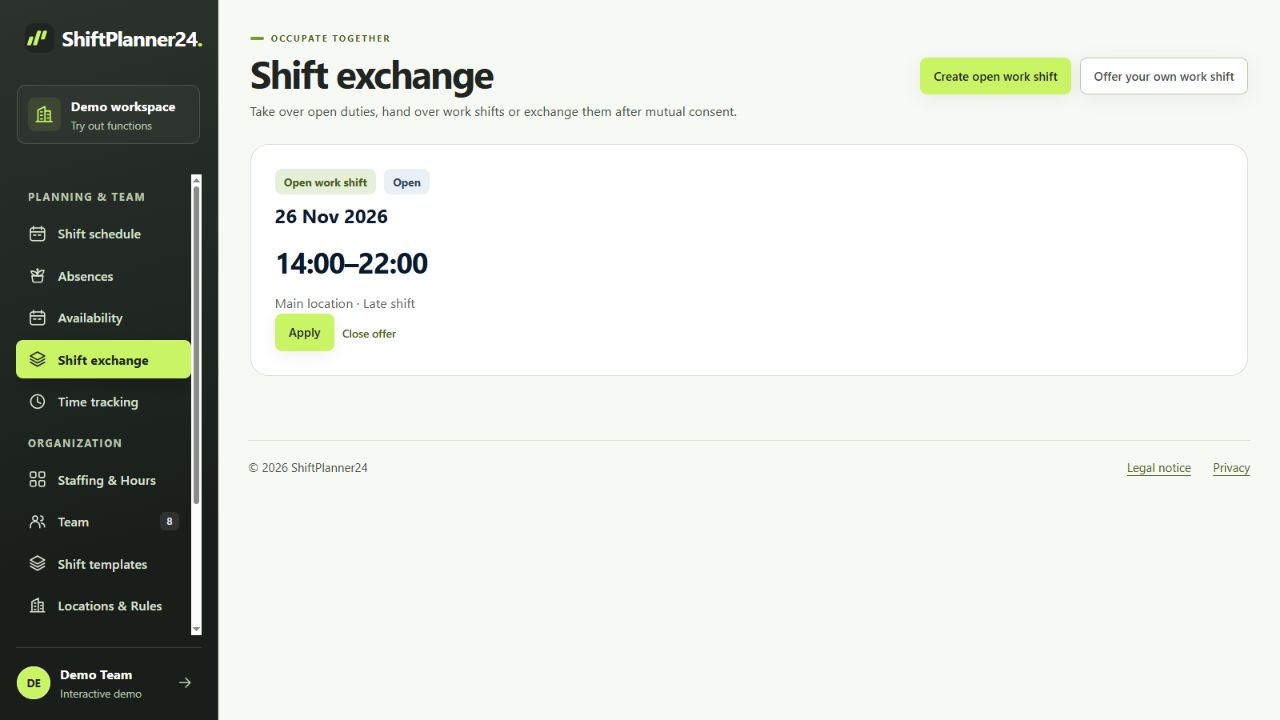
An exchange between two employees can make everyday life easier. However, it must fit with the technical staffing and the rest of the plan. The shift exchange supports open services, handovers and mutual shift swaps. In the case of a mutual exchange, the consent of both people and approval through planning are part of the process.
Before a takeover, time collisions and unavailability are checked, among other things. Stored rest time and weekly limits are also taken into account. The responsible planning department continues to assess whether the changed staffing meets the specific requirements. This is particularly important when a service involves multiple tasks or special qualifications. Private agreements should therefore only be considered confirmed changes after the intended approval process.
Distinguish between planned work hours and actual work
A duty roster in nursing initially shows planned working hours. Actual attendance, breaks and subsequent corrections are recorded separately. ShiftPlanner24 offers time clocks, manual time entries and approvals. Hourly accounts take released times into account based on the stored settings. Breaks are not automatically deducted from a scheduled work shift.
Compare target and actual hours regularly with those responsible. Incomplete entries should be clarified before they are included in further evaluations. PDF and CSV help with control; the general CSV wage export provides released actual times. Check with your administration how this data will be further processed. A direct interface to care documentation or payroll is not required.
Select an area and test the process
Start with a manageable living area, care team or care service area. Create the required work shift types and only transfer the team data necessary for the test. Then check a complete planning round: collect availability, distribute services, take absences into account, check the draft and publish the plan. A short-term change should also be part of the experiment.
In the demo you first work with fictitious data. For your own workspace, the free test phase starts after your email confirmation and lasts 30 days. A paid continuation only takes place after express booking and costs 19 euros per month including VAT. Collect feedback from planning and the team before making a decision. In this way, you can judge based on your actual process whether ShiftPlanner24 supports your duty planning sensibly.