Consider consultation times and preparation times together
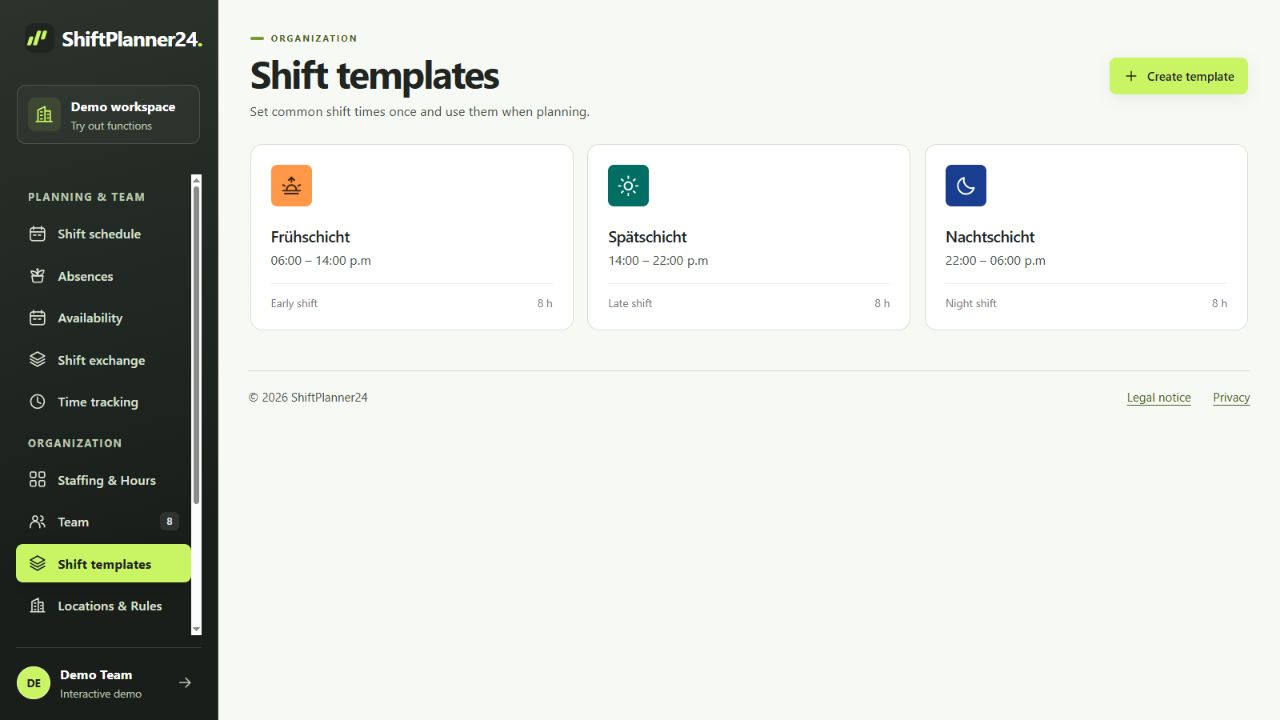
Work in a practice often begins before the first appointment and ends after the last. Therefore, when planning your shift, also take preparation, follow-up and necessary handovers into account. Create frequent working times as work shift templates. You can add individual times for a different office hour day or an internal meeting.
A duty roster for the doctor's office should show which tasks must be covered at what time. The opening time alone is not enough. For example, check when the reception should be staffed and when support is needed in another area. This consideration creates a planning basis that is based on your actual processes.
Clearly assign reception and assistance
Use areas whose names are familiar to your team. Depending on the practice, this can be reception, assistance, laboratory or organizational tasks. In a dental practice, other terms may make sense. It is important that an assignment remains understandable and does not combine various tasks that are required at the same time unnoticed.
Stored qualifications support the classification of suitable people. Nevertheless, check for yourself whether a specific application fits the technical requirements. A person cannot be assigned to every task simply because there is a gap in the calendar. With filters you can concentrate on individual areas and then control the entire practice roster again.
Coordinate part-time models and alternating days
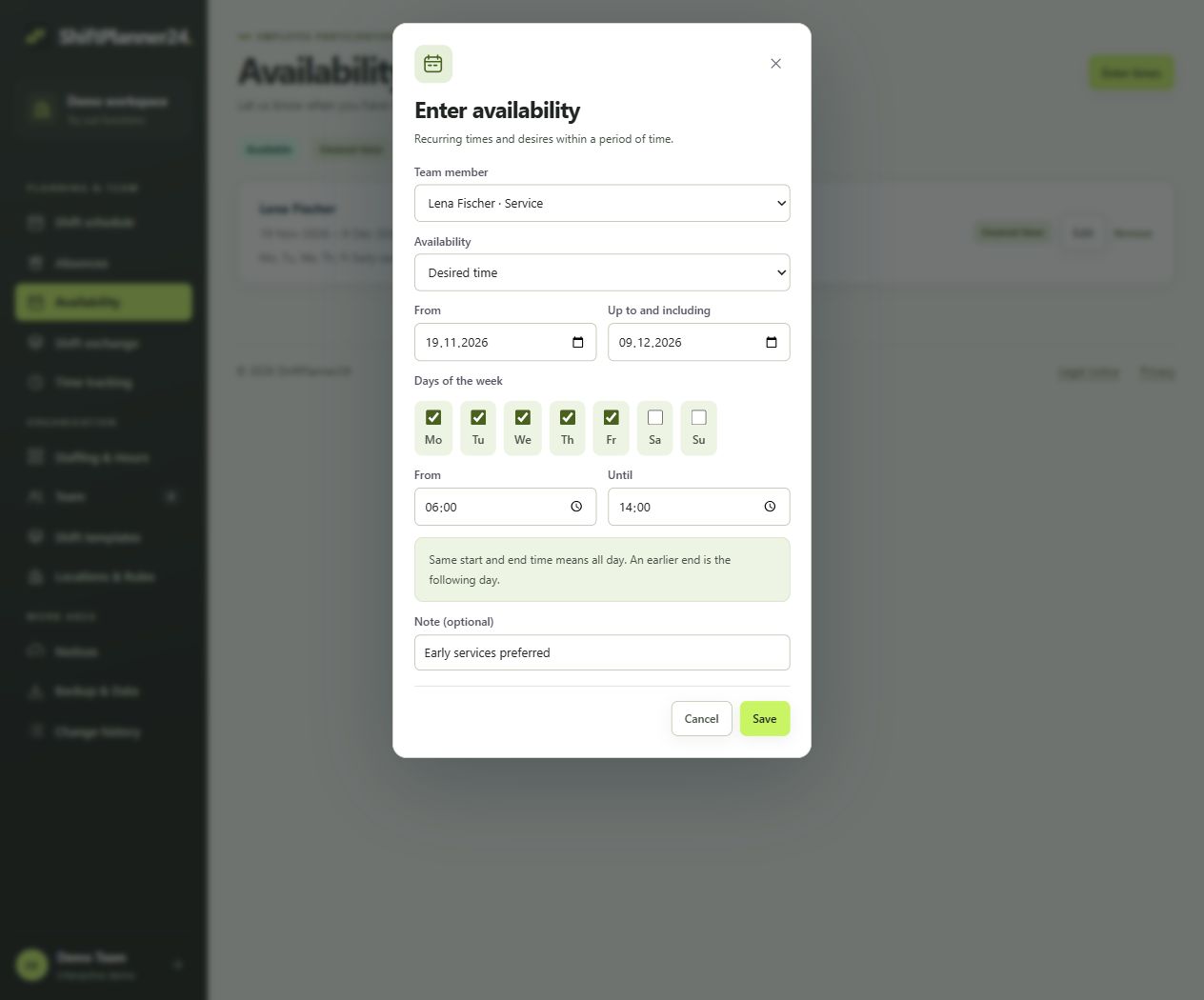
In many practice teams, the hours per week and working days vary significantly. Collect agreed availabilities before assigning work shifts. Recurring information can represent regular time windows. Wishes remain recognizable as such and only become a concrete division through the approved roster. This makes it easier to coordinate between practice management and the team.
When planning, don't just consider the next consultation hour. Check how early and late deployments are spread over several weeks. Rules-based suggestions can include needs, qualifications, availability and hour distribution. You check them in a preview. The application supports your decision, but does not automatically promise optimal or legally verified staffing.
Coordinate vacation and substitutions reliably
In small teams, a single absence can quickly impact multiple processes. Record confirmed vacation in a timely manner and take planned closing times or different office hours into account. Leave requests can be made in the system and approved or rejected by the responsible person. Then check whether the remaining staffing fits your intended tasks.
For short-term failures, you agree on a clear replacement process. Open services can be offered via the shift exchange. A mutual shift swap requires the intended approval and approval from planning. Before approval, check the distribution of tasks in particular: A substitute at the reception may fulfill different requirements than a substitute in the assistance department.
Make the special features of the dental practice visible
For a roster in the dental practice, it can be helpful to consider assistance, reception and other organizational tasks separately. Plan the required time slots based on your own processes. Also take transitions between tasks into account so that the overview does not assume simultaneous availability, which is not the case in everyday life.
An example: Additional assistance is planned for a longer afternoon, while reception should remain available until the end of the consultation hours. First enter the required times as requirements and then assign suitable people. Then check breaks and handovers. This example illustrates a planning method and does not specify mandatory staffing for a specific treatment.
Also discuss how the schedule should be read if the office hours differ. If a person initially works at the reception and later supports the assistant, both periods should be clearly visible. Check the handover with those involved and clarify who will remain accessible during the process. Clearly named templates can help for recurring processes. Special cases receive their own entries. This means the overview remains understandable, even if a replacement does not yet know the usual daily rhythm or a colleague returns to everyday practice after a long absence. A short joint review supports comprehensibility for the team.
View the published practice roster on mobile devices
Employees can access their published personal work shifts via their own access. ShiftPlanner24 runs in the browser and can be installed as a web app. This means the plan remains accessible even for people who are not in the practice on a particular day. Roles distinguish the rights of administration, planning and employees.
Notifications and calendar subscriptions supplement this access. The external calendar determines when new data is retrieved from a subscription. For short-term changes, use the current plan view and your agreed communication channels. Keep shift notes limited to necessary organizational information. Patient information and medical documentation do not belong in the roster, but in the systems intended for this purpose.
Check working hours in a comprehensible manner
The roster describes planned work. Actual times worked may vary and are therefore recorded separately. The time clock, manual entries and corrections support this process. Approvals determine which recorded times are included in further evaluation. Hourly accounts take into account the planned hours and settings. Breaks are not automatically deducted.
Arrange a regular appointment to check open entries. This prevents unclear times from only being noticed during further billing. PDF and CSV help with checking and sharing. A general CSV wage export is available for released actual times. A direct connection to the practice administration or to a specific billing software is not part of this functional promise.
Start with a typical week of practice
If you have been keeping a roster in Excel, choose a typical week to get started. Transfer the required people, areas and working hours. Check with the team whether the online plan clearly reflects the previous agreements. Then test a vacation request and a short-term change. Recurring weeks can be copied and then specifically adapted.
The demo contains fictitious data to get to know you. For your own workspace, 30 free trial days start after email confirmation. You can then continue planning for 19 euros per month including VAT if you specifically book. There is no automatic subscription. At the end, assess together with the team whether the duty scheduling for your doctor's or dentist's practice has become clearer and easier to understand.