Connect opening times and task requirements
A retail roster doesn't just start when the store opens. Receipt of goods, preparation and completion may require additional time. Therefore, describe the tasks that actually occur in your branch. Create suitable work shift templates and add individual times if necessary. This makes it clear where activities overlap and where handover is required.
Consider known fluctuations based on your own experiences. A busy Saturday, promotion or delivery can create different demands than a normal morning. Enter the required requirements per area and time period. Then check the specific staffing instead of assigning the same number of people to each work shift regardless of the tasks.
Clearly distinguish sales, cash register and warehouse
Understandable areas help the team read the classification correctly. Use terms such as sales, cash register, warehouse or goods receiving if they suit your business. You can use filters to specifically check an area. A person who takes on multiple tasks should not go unnoticed and be scheduled for necessary activities at the same time.
Stored qualifications support the assignment of suitable employees. You determine which tasks require special experience or instruction based on your requirements. Rules-based suggestions can take such information into account. The decision remains with the responsible planner, who checks the proposal before adoption. An available person does not automatically mean the right person for every open task.
Include part-time and temporary workers early on
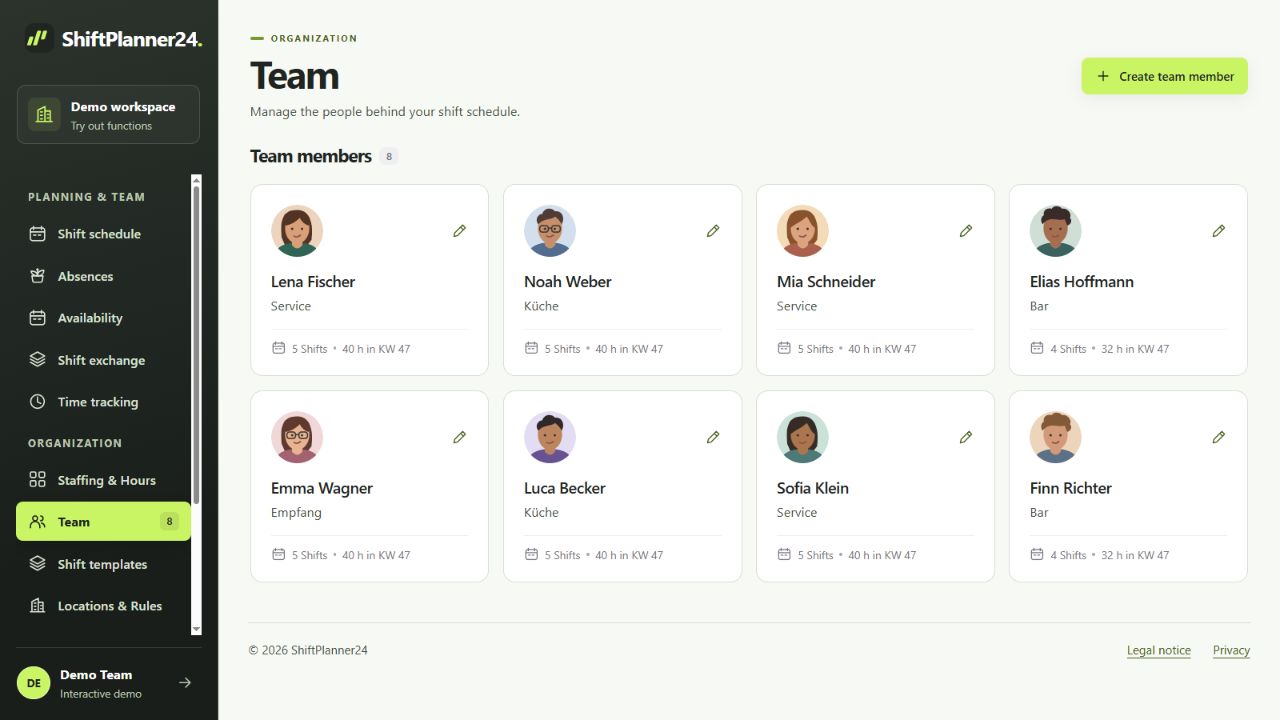
Part-time employees and temporary workers often have different available time slots. Gather this information before planning so you don't have to switch services multiple times. Employees can store recurring availability and desired times. Vacation requests are processed separately and receive approval or rejection by the responsible person.
For a comprehensible shift schedule in retail, you should agree on common rules. When will new requests be taken into account, who decides on changes and how are Saturday services distributed? Consider the division over several weeks. This will help you recognize patterns that aren't noticeable in a single weekly view. The software creates an overview; This means that operational decisions are not made automatically.
Plan multiple branches with clear rights
If there are multiple locations, personnel planning requires clear responsibilities. ShiftPlanner24 can map locations and limit planning access to specific locations. The administration manages the overall work area. This allows local leaders to plan in their area while the basic structure remains organized together.
For cross-location assignments, always check the entire period of time for a person. A seemingly empty gap in a branch view does not necessarily mean that there is no other task. Also take into account the organizational requirements for a change of location. The roster shows the division; This does not provide automatic calculation of travel times or route optimization.
Prepare specifically for an action week
As an example, take a week with goods delivered on Thursday and a sale on Saturday. First determine the additional time windows required for receiving and selling goods. Then check who is available and suitable for the respective tasks. Consider confirmed vacation and existing duties before assigning additional work shifts.
Check the draft together with the responsible people. Is the fund also covered during planned transitions? Do preparation and completion fit into the opening hours? After publication, employees see their personal plan. For a similar action, you can copy and adapt later in the week. Nevertheless, check absences, requirements and actual availability again.
Include tasks that are less visible on the sales floor. This can include processing pickup orders, returns or preparatory activities in the warehouse. You determine whether these tasks require their own time slots based on your company. Enter them separately if necessary and check which other areas need support in the meantime. After the campaign week, discuss together where the plan worked well and where there were waiting times or unnecessary changes. This feedback provides a more concrete basis for the next planning than a week copied unchanged. Record findings for the next similar action.
Coordinate shift changes transparently
In the event of a short-term cancellation, it must quickly become clear which task remains unfilled. Open services can be offered via the shift exchange. Handovers and mutual shift exchanges have a planned procedure. A mutual exchange requires the consent of both employees and approval by planning.
Before taking over, the application checks, among other things, collisions, unavailability and stored limits. Additionally, check whether the new staffing fits professionally and organizationally. The published plans and communications then support a common level of information. Private agreements should not remain unnoticed alongside the duty roster. A comprehensible release helps to avoid misunderstandings about the next deployment.
Use duty roster app and time recording in everyday life
Employees access their published work shifts via personal access. The roster app runs in the browser and can be installed as a web app on the smartphone. Personal calendar subscriptions can also display published assignments. The external calendar service determines its polling interval; Short-term changes should therefore be checked in the current plan.
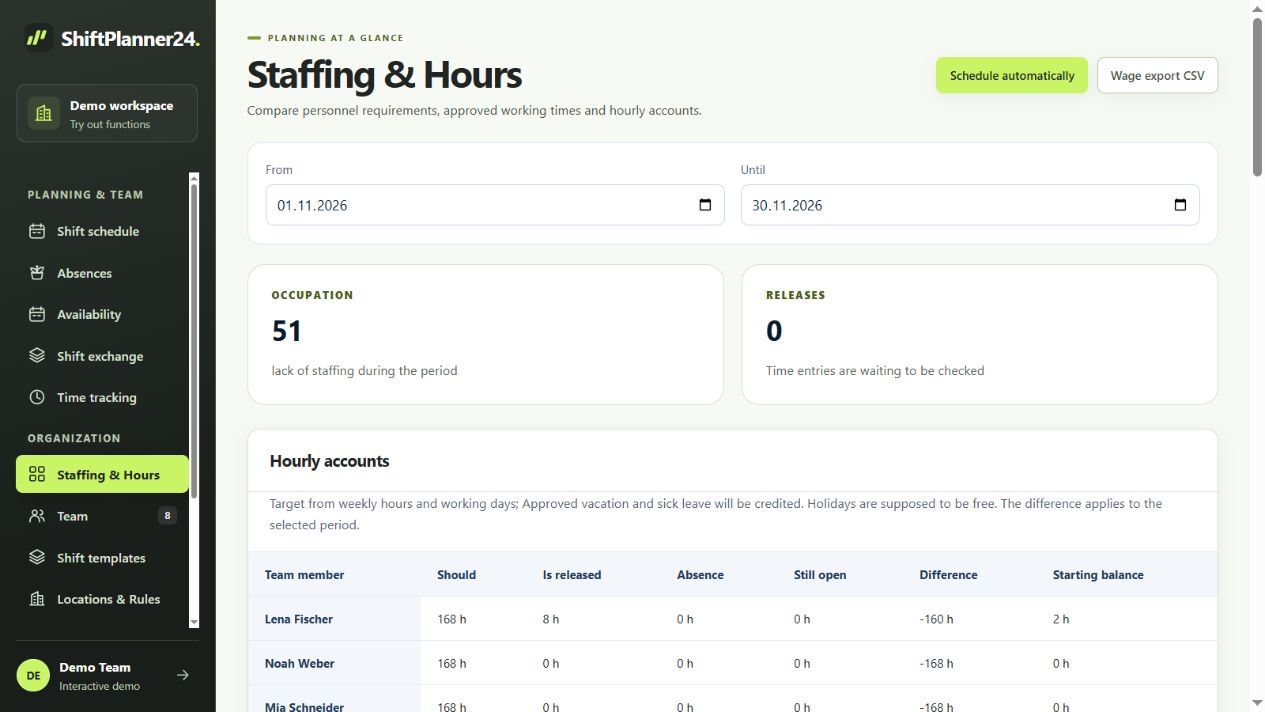
Actual working times are recorded separately from planned work shifts. Time clock, manual corrections and approvals support this process. Hourly accounts take released times into account based on the stored settings. Breaks are not automatically deducted. A general CSV wage export helps with further processing; This does not involve a direct connection to your cash register system or a specific billing software.
Start with a branch and a period
If you are currently planning with an Excel spreadsheet, choose a manageable branch and a complete week for the change. Create areas, people and work shift templates. Then try collecting availability, scheduling, publishing and making changes later. PDF and CSV exports support control and sharing of the plan.
In the demo you can initially work with fictitious data. For your own workspace, 30 free trial days begin after email confirmation. The paid continuation costs 19 euros per month including VAT and requires an explicit booking. No payment details are required when registering. At the end, collect feedback from sales, cash register and warehouse. In this way, you can assess based on your everyday life whether the new rostering actually makes coordination easier.